Introduction: Why an ATS‑Friendly Resume Matters
More than 98% of Fortune 500 companies rely on applicant‑tracking systems (ATS) to filter the flood of applications they receive. In many cases, an ATS eliminates up to 75% of resumes before a human ever sees them. That means a perfectly qualified candidate can be rejected simply because the resume wasn’t formatted for the software. Optimizing your resume before you even apply ensures the ATS parses every detail, matches the right keywords, and scores high enough to reach a recruiter’s inbox.
Below are ten actionable ways to make your resume ATS‑friendly, each backed by industry‑tested best practices. Follow these steps, run your draft through a free Resume Scanner, and you’ll dramatically improve your chances of getting an interview.
1. Stick to a Simple, Single‑Column Layout
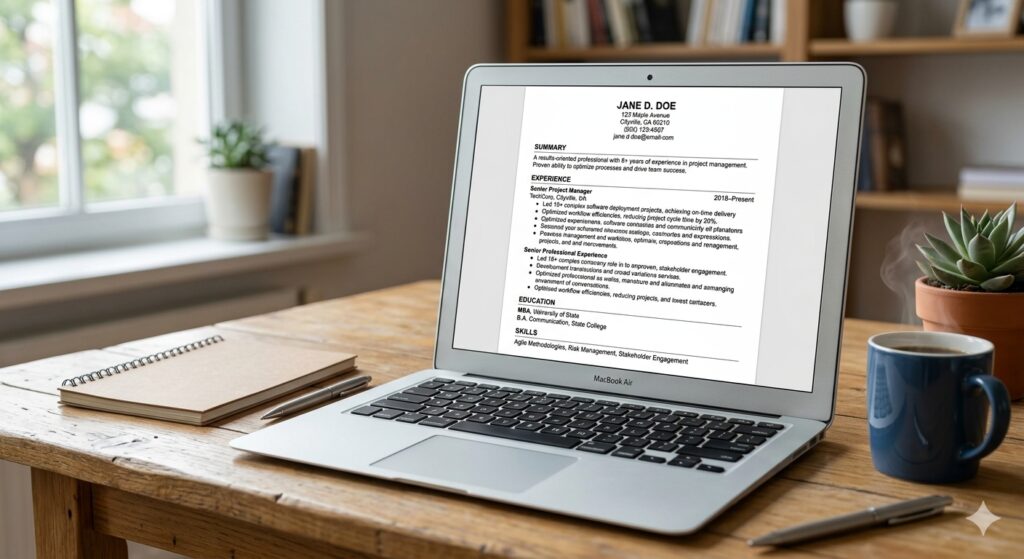
ATS parsers read a resume line‑by‑line. Multi‑column designs, tables, or text boxes break that linear flow, causing the software to skip or scramble critical information. Use a single‑column format with a one‑inch margin on all sides. Avoid headers, footers, and sidebars; instead, place your contact details at the very top of the main body. This straightforward layout lets the ATS capture your name, phone, email, and LinkedIn profile without missing a beat.
2. Use Standard Section Headings
Section titles act as anchors for the ATS. Stick to universally recognized headings such as Professional Summary, Work Experience, Education, Skills, and Certifications. Creative titles like “Career Highlights” or “What I’ve Done” may be ignored, leaving gaps in the parsed data. Consistent headings also help recruiters skim your resume quickly after the ATS passes it along.
3. Choose ATS‑Safe Fonts and Font Sizes
San‑serif fonts like Arial, Calibri, or Helvetica render cleanly across all parsing engines. Keep the body text between 10‑12 pt and section headings 14‑16 pt. Avoid stylized or colored fonts, embedded icons, and special characters. Bold and italics are acceptable for emphasis, but keep them minimal—excessive formatting can confuse the parser.
4. Incorporate Exact Job‑Description Keywords
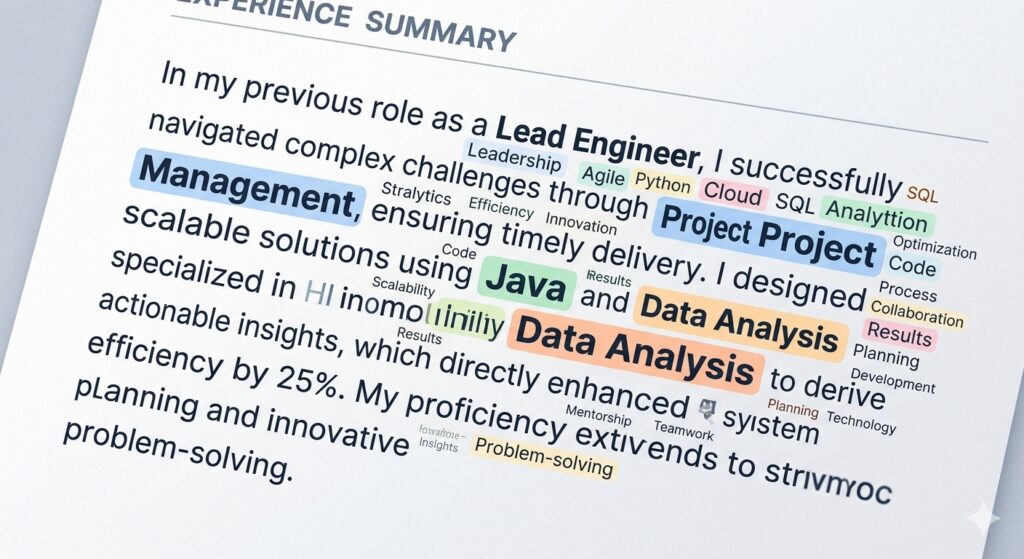
The heart of ATS ranking is keyword matching. Pull out the exact phrases, tools, and certifications from the posting—e.g., “project management”, “Java”, “Google Analytics”, “Scrum Master”. Insert these terms naturally throughout your Professional Summary, Skills list, and bullet points. Remember to include both the full term and common abbreviation (e.g., “Search Engine Optimization (SEO)”). Over‑stuffing triggers spam filters; aim for a natural fit, typically 2‑3 mentions per keyword.
5. Quantify Achievements with Plain Text
ATS can read numbers, but it can’t interpret graphics or charts. Replace visual metrics with concise text: “Increased sales by 30% YoY”, “Reduced API response time from 200 ms to 65 ms”, “Managed a budget of $1.2 M”. Quantified results not only boost ATS relevance (they often contain hard‑skill keywords) but also impress human readers looking for impact.
6. Save in the Right File Format
Most modern ATS platforms reliably parse .docx and text‑based PDFs. If the job posting specifies a format, follow it precisely. When unsure, keep both a Word version and a PDF version ready. Avoid scanned images, .png, or .jpg uploads—these are invisible to the parser. Before uploading, open the file in a plain‑text editor to ensure all content stays legible.
7. Place Contact Information in the Body
Headers and footers are often ignored by ATS engines. List your name, phone number, professional email, and LinkedIn URL at the very top of the main document, not in a header. This ensures the system captures the data for searchable fields and proper candidate identification.
8. Use Simple Bullet Points and Plain Text Lists
Replace fancy icons or custom bullet characters with standard round or square bullets. Avoid nested lists; keep each bullet a single, concise sentence that begins with a strong action verb (e.g., “Led”, “Developed”, “Optimized”). Plain bullets translate directly into searchable tokens for the ATS.
9. Run a Free ATS Check Before Submitting
Even with perfect formatting, tiny errors can slip through. Use a free ATS Resume Checker or the AI Resume Scanner to see how your document parses. These tools highlight missing sections, misplaced text, and keyword gaps. Aim for a match score of 75% or higher for the specific job description; if you fall short, tweak the language or structure accordingly.
10. Leverage Networking to Bypass the Bot
While an ATS‑optimized resume is essential, it’s not a guarantee. A referral from a current employee or a direct message to a hiring manager can push your résumé to the top of the queue, essentially bypassing the initial software filter. Combine a flawless ATS‑friendly document with targeted networking—share a link to your Keyword Scanner results when reaching out, and you’ll demonstrate both preparedness and data‑driven insight.
Conclusion: Turn the ATS from Obstacle into Ally
Think of the ATS as a gatekeeper that only opens for resumes that speak its language. By applying the ten steps above—clean layout, standard headings, correct fonts, exact keywords, quantifiable results, proper file types, visible contact info, plain bullets, thorough testing, and strategic networking—you transform your résumé from a hidden file into a compelling candidate profile. Run your final draft through MyResumeScan’s free tools, watch your match score rise, and submit with confidence. The right combination of technology and human touch will ensure your ATS‑friendly resume lands where it belongs: in front of a hiring manager.